 Ask AI
How to Request New Feature Developments from Cloudinary
Last updated: Jan-19-2026
This tutorial shows how to use Cloudinary's public roadmap to request and vote on development projects that are under consideration by our Product team.
Using the Roadmap
With Cloudinary's public roadmap, you have the ability to impact the company's development work and have a direct say in the features we create. You can easily find it at cloudinary.com/roadmap.
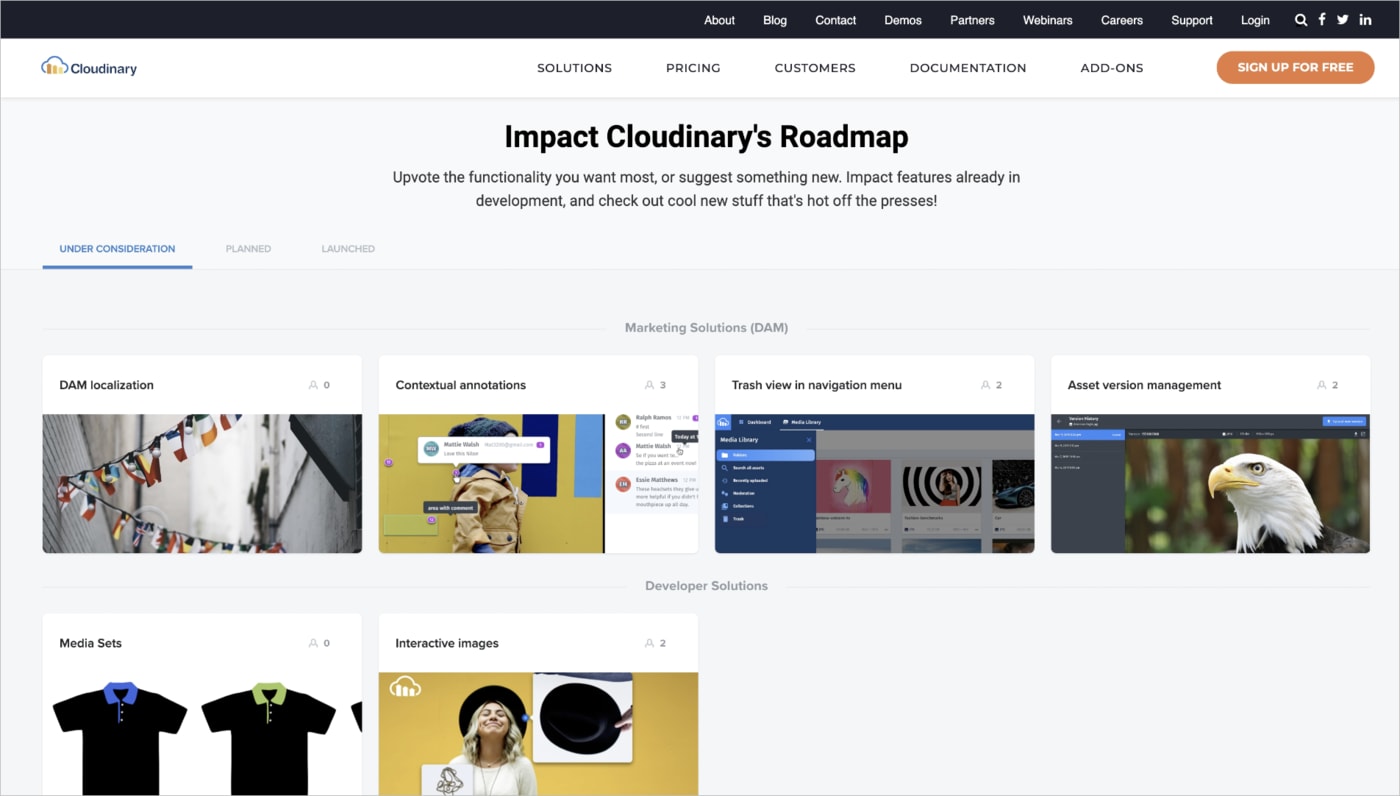
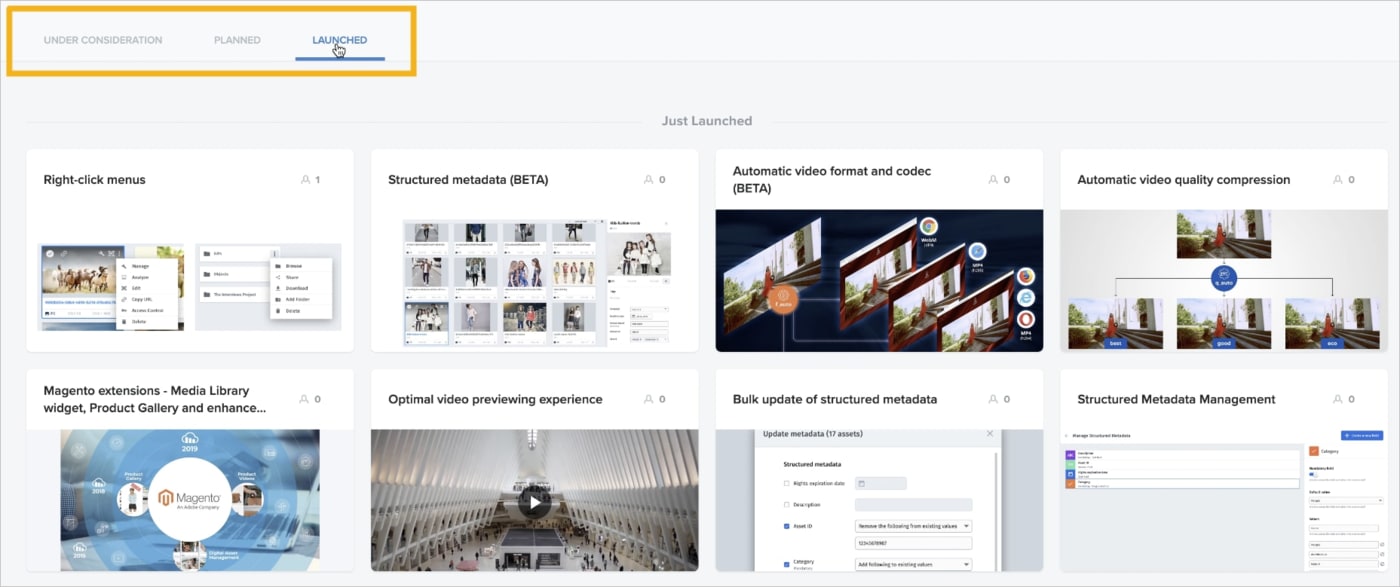
You can see all of the projects we're considering today, as well as see those planned for development. You can also get the first look at any features or functionality we've recently launched.
By selecting any project, you can get more details about it, as well as even see the Product department team member who is leading its development efforts.

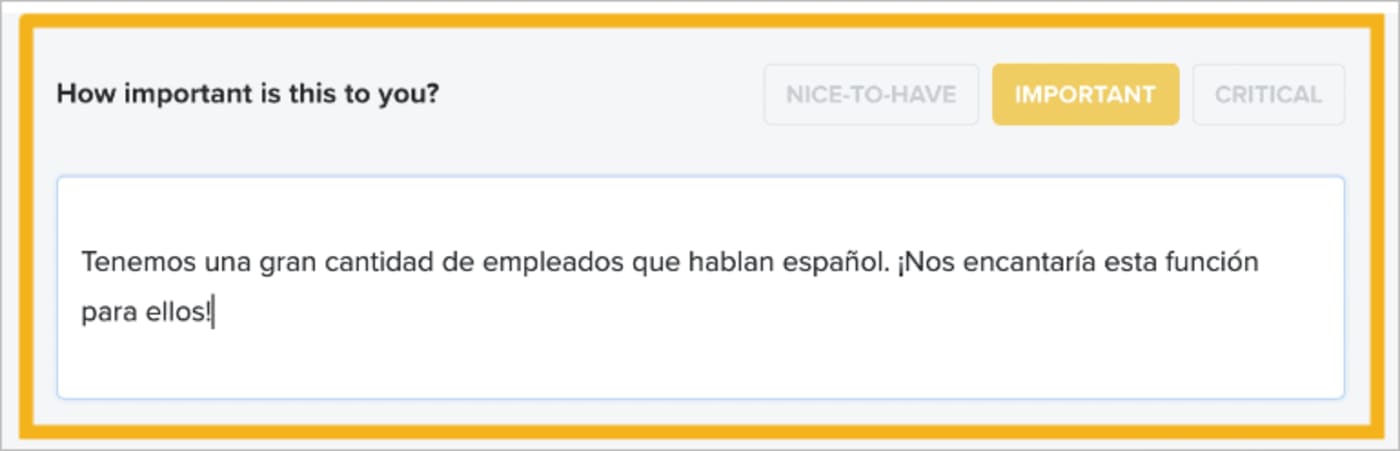
From there, you can indicate how important it's to you, as well as provide a personalized message to help explain your choice.
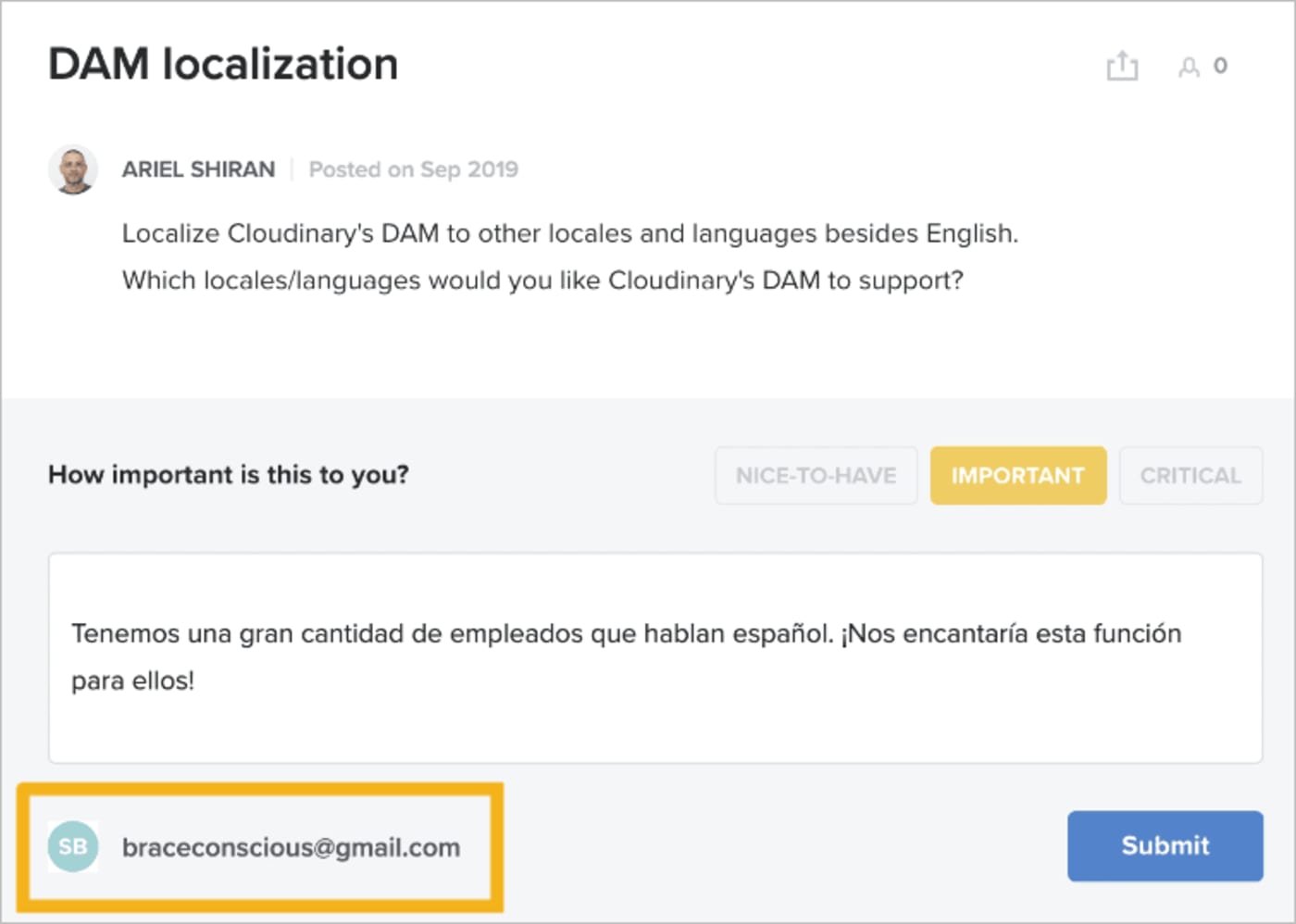
You can even send us your own ideas, if they aren't currently on the product board!
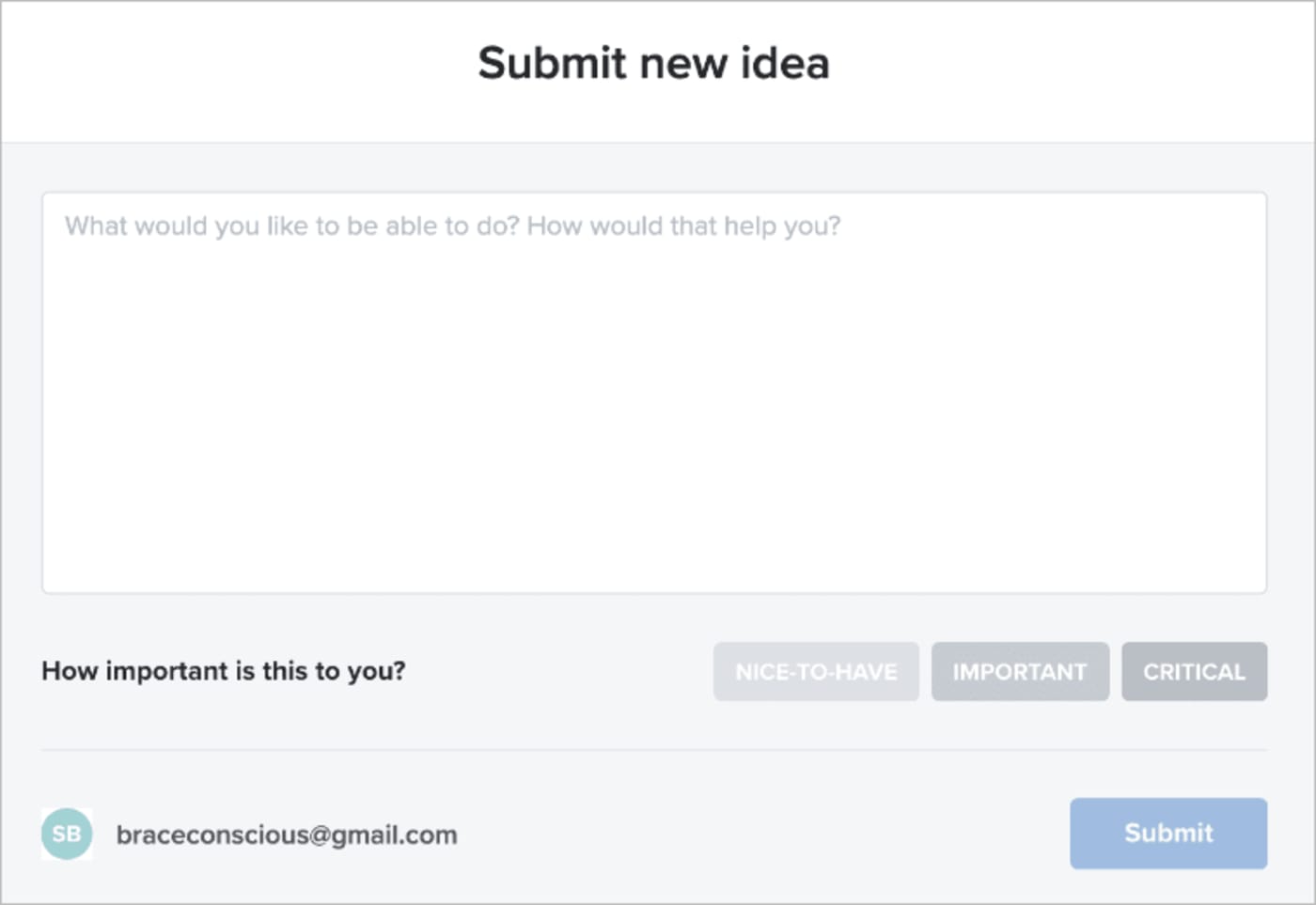
So, take the time to help guide Cloudinary for your particular needs with the public roadmap today. We'd love to hear from you.
Additional Resources
You can read more about the development of the public roadmap in our blog post.
Error
Rate this page:
