 Ask AI
Assets release notes: August 24, 2026
Last updated: Aug-24-2026
We publish Cloudinary Assets (DAM) release notes periodically, providing you a quick overview of all the new features, enhancements, and fixes that have been recently released for Admins and Media Library Users. When relevant, they may also give sneak previews of upcoming features and/or other important announcements.
New features
CI HUB connector
The CI HUB Cloudinary connector lets you access, edit, and sync your Cloudinary assets directly from the creative and productivity tools you use every day, such as Adobe Creative Cloud, Microsoft 365, and Google Workspace.
Use the connector to bring Cloudinary assets into your working platform, make edits and designs, and push them back to your Media Library, including thumbnails, versioning, structured metadata, and tags, all without leaving the application you're working in.

People Search
Cloudinary's AI-powered People Search automatically recognizes and groups individuals across your image library using advanced facial recognition technology. Explore detected faces, view all images associated with a person, and update names and details to improve recognition accuracy and organization.

Chrome Extension (Beta)
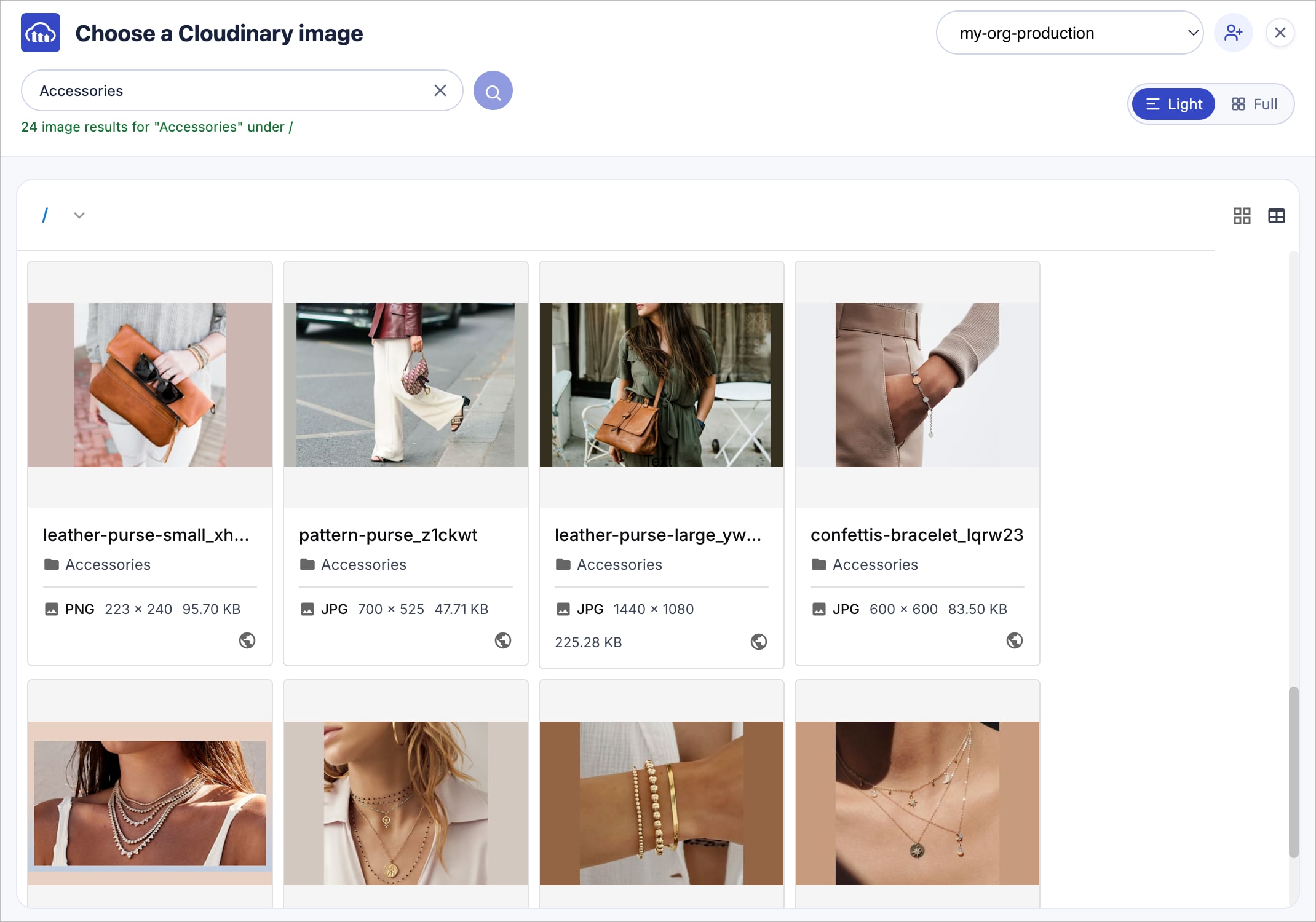
The new Cloudinary Chrome Extension lets you insert Cloudinary image and video asset URLs directly into web form fields, without leaving the page you're working on, whether that's a CMS, PIM, website builder, or any other browser-based application.
Browse and search your Media Library from the extension dropdown, preview assets before inserting them, and apply transformation templates to match your brand's approved variations. The extension automatically detects image and video URL fields and works across multiple product environments.
Roles and Permissions
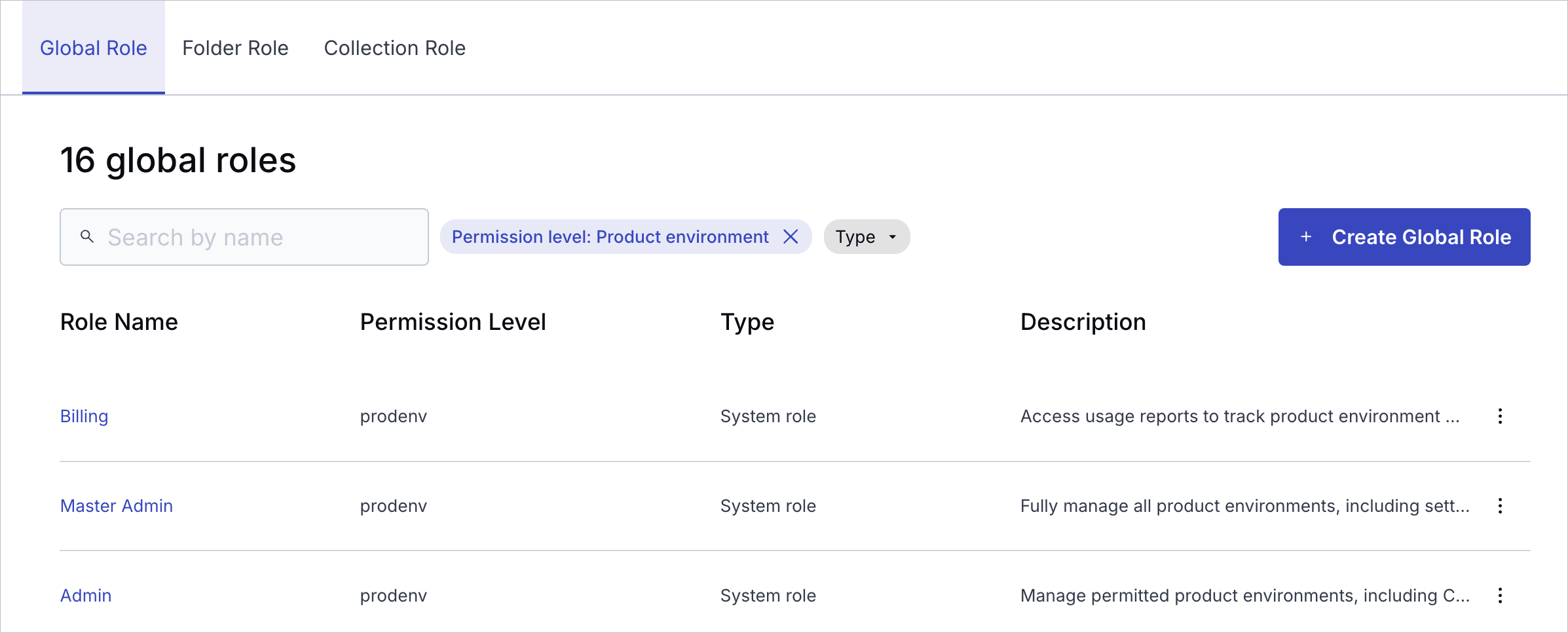
Cloudinary's modern, unified Roles and Permissions system is now fully rolled out to all free and self-serve paid accounts, delivering clear, structured, and granular access control across both the Console and APIs.
Enterprise rollout has also begun. If your Enterprise team hasn't already been moved with Cloudinary's help, you're still on the legacy system for now.
Enhancements
New third-party sources for the Upload Widget
The Upload Widget now supports Box, Microsoft OneDrive and SharePoint as new cloud storage sources, making it easier for teams to upload assets directly from these sources without leaving Cloudinary.
Assets Enterprise plans can choose which sources are available in the Upload Widget. Ask your administrator to select these new sources from the Upload page of the Media Library Preferences.

More structured metadata field controls: Hide this field and Exclude from search
Building on the Disabled and Read-only field option, structured metadata now supports two more field behavior controls: Hide this field and Exclude from search. Apply any of these on their own, or combine them to fit your workflow. For example, hide a field from the Media Library while also excluding it from search, without disabling it entirely.
The Hide this field control can also be applied or removed automatically using conditional metadata rules.

Alphabetical ordering of structured metadata field values
You can now order your single-select and multi-select structured metadata field values alphabetically. From the SMD Values page, select Sort values alphabetically from the kebab menu. The sort order will persist and carry through everywhere the field's values appear (for example, in the Preview pane, Manage page, and upload flow). New values added dynamically will also appear in alphabetical order.

Figma plugin: New export options and other improvements
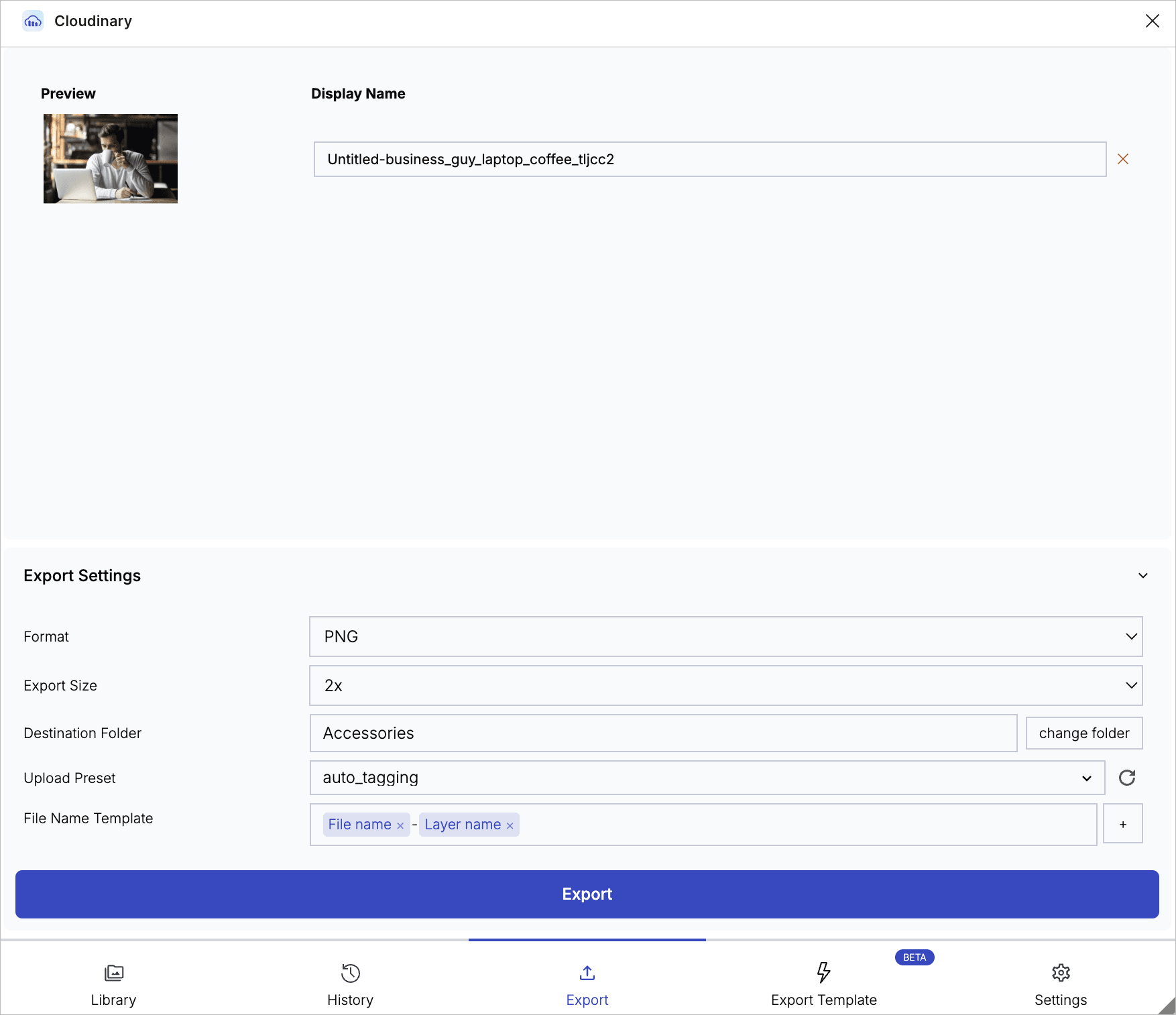
The Cloudinary Figma plugin's export workflow now supports two new options when exporting layers and artboards to Cloudinary:
- Upload Preset: Select a Cloudinary upload preset when exporting to apply preset-based configuration, processing, and asset management to your uploads.
- File Name Template: Build dynamic file names using Figma document properties, such as page name, layer name, and dimensions, to construct the asset's Cloudinary public ID.
The plugin has also received several other improvements to smoothness, efficiency, and usability. See the Figma Plugin release notes for full details.
Register for notifications
Make sure you always know when we publish new release notes with the Assets (DAM) release notes RSS feed:
 Grab this RSS link to watch for new DAM release notes in your favorite RSS reader.
Error
Rate this page:
